What’s New
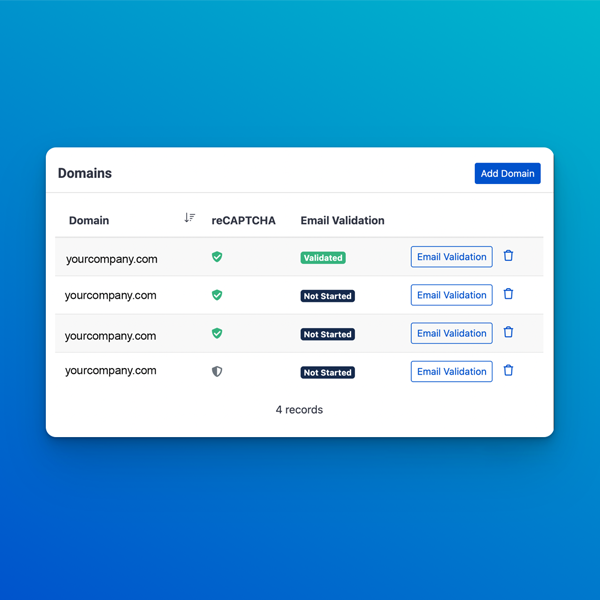
- Validate your domain directly in My Distributor → Domains
- Send emails from branded addresses like [email protected]
- No extra email-service accounts or API keys required
Why This Matters
Validated domains improve deliverability and help reduce the chance of emails landing in spam folders.
Your customers will see your company name in their inbox instead of a generic sender address — making order confirmations, password resets, and marketing emails feel more professional and trustworthy.
The setup is fully self-serve and most distributors complete it in about 10–20 minutes.
How to Set It Up
- Open My Distributor → Domains and click Email Validation.
- Click Create DNS Records.
- Add the generated records at your DNS provider.
- After DNS propagation, click Validate Domain.
Once all records show Valid, your domain is ready to send.
Read the full setup guide →
Need help? Reply to this email or contact your account manager.
|