MPower AI · AI Mockups
Create anything.
Create professional mockups, banners and branded creative — faster. Turn product images and logos into customer-ready visuals without slowing down your workflow.
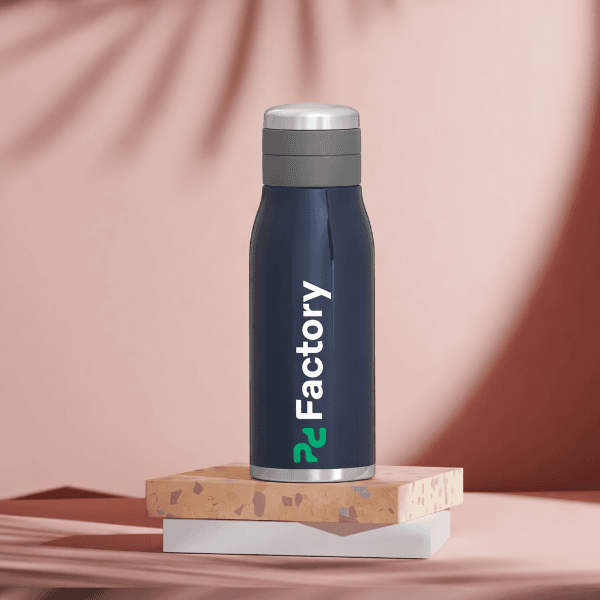
Product + logo, meet a great scene
Realistic scenes, no photoshoot.
Upload your product image or logo, describe the scene, and generate realistic compositions you can use immediately — professional mockups, lifestyle scenes and branded creative, with background removal and replacement when you need it.
See it in a demo →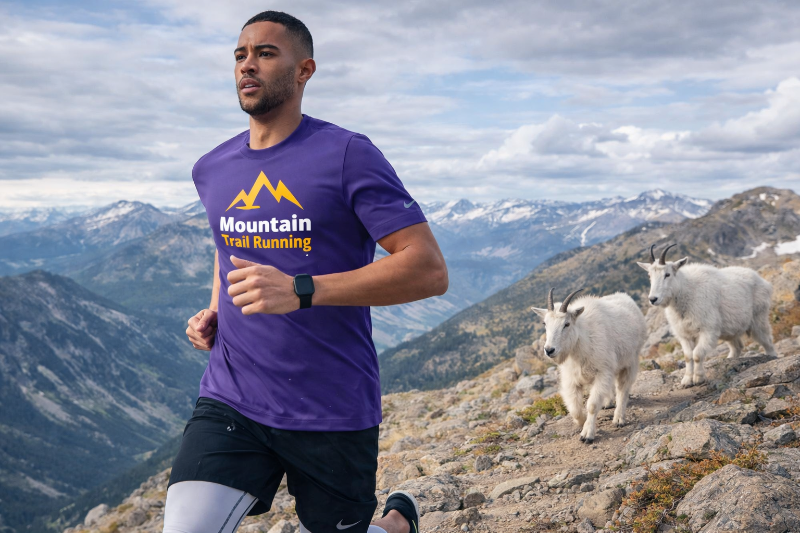 HD · lifestyle scene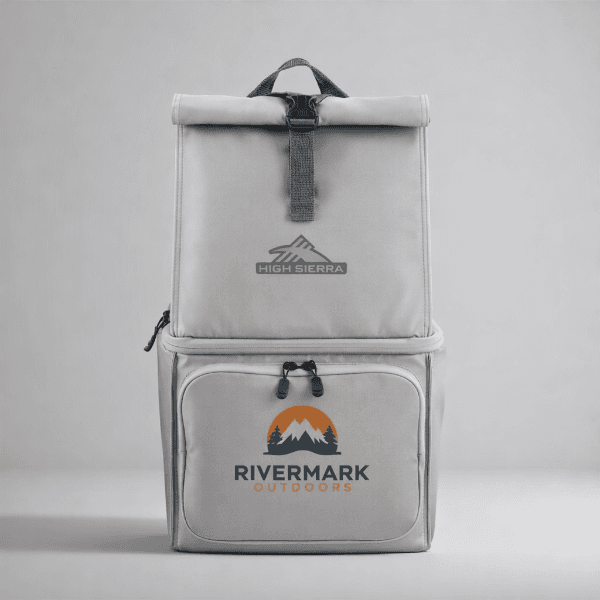
Why teams use AI Mockups
Better visuals, faster turnaround.
Less friction across sales and operations — from quoting to approvals to campaigns.
Respond faster
Create mockups and creative variations quickly, so your team keeps momentum during quoting, approvals and campaign builds.
Look more professional
Generate realistic scenes and clean product visuals suitable for customer presentations and marketing assets.
Stay consistent
Reuse logos, product images and prompt patterns your team standardizes over time to keep output on-brand.
Sales mockups
Support quotes and presentations with clearer, faster visuals.
Approvals
Show realistic placement and context early to reduce back-and-forth.
Banners & creative
Create branded imagery for campaigns, promos and store updates.
Lifestyle scenes
Generate custom lifestyle photography without a photoshoot.
How it works
Upload, describe, generate.
Start with your product image and logo, then guide the output with a short prompt. Generate variations quickly until it's presentation-ready — Standard or HD, creative or accurate.
FAQ
AI Mockups questions, answered.
What can AI Mockups create?
Where do teams use it most?
How long does generation take?
How do we get consistent outputs?
What controls do I have?
Ready to run all of promo in one place?
See how MPower replaces your disconnected tools with one platform — from the first lead to the final shipment.
Thanks — you're on the list.
A product specialist will reach out within one business day to schedule your demo.
Download
Never miss a beat. Download our app and work on the go with all the same features as our desktop application.

