Kits · Early access
Sell a set of products as one kit.
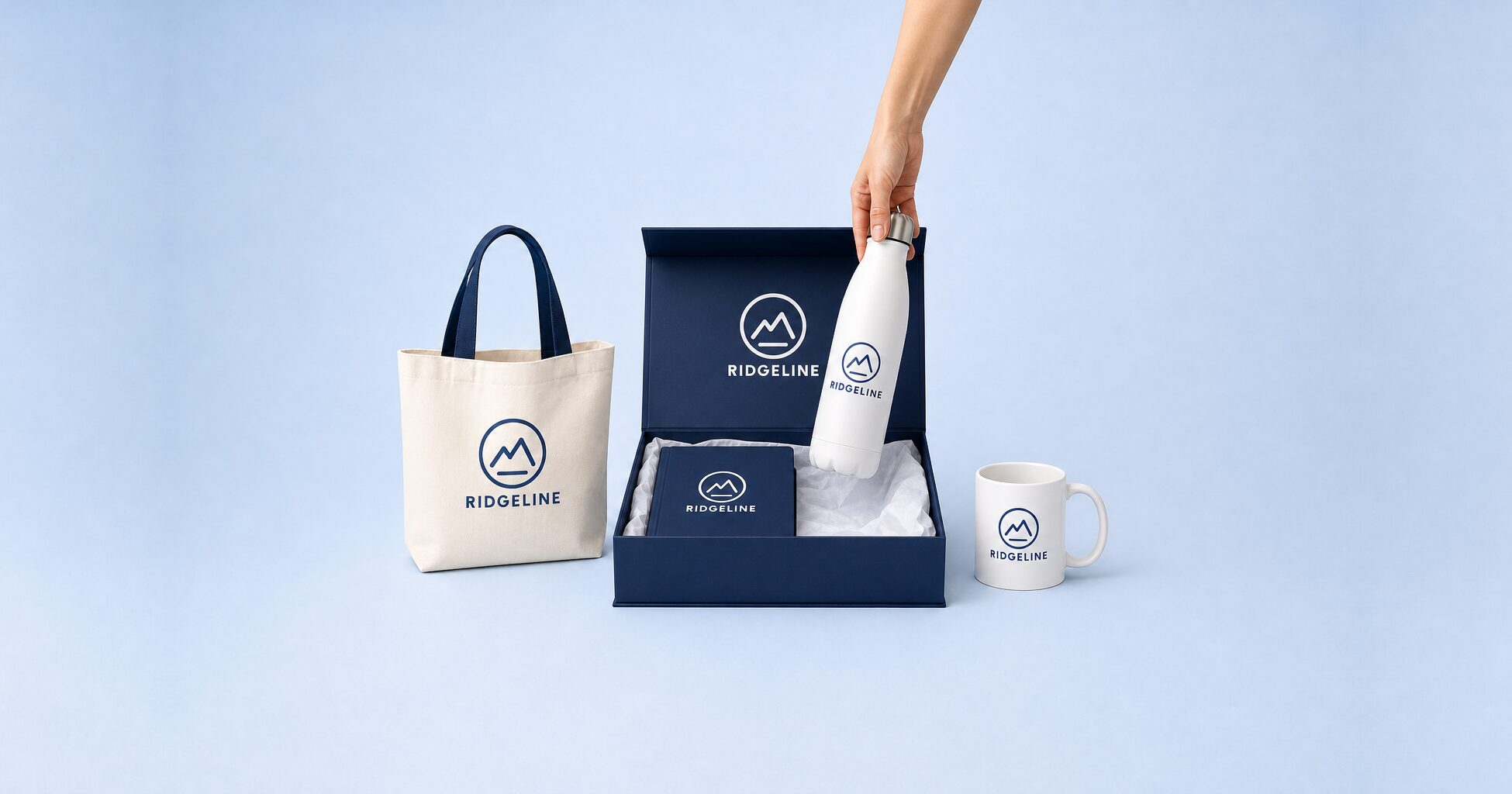
A kit is one product on your store, built from several catalog products. Your customer sees one item at one price. Behind it, each piece gets its own purchase order.
Kits are in early access. We turn them on for your store on request.
What you get
One item for your customer. The right orders for you.
Your customer buys a single product. Your team gets the separate purchase orders, proofs and shipments each piece needs.

One product, one price
The storefront shows a single kit page with one price. The pieces are listed under Kit contents.

A stepper for each piece
Customers walk through Configure Kit one piece at a time. They choose color, size, decoration and artwork only where you allow it.

A purchase order per piece
Each component becomes its own purchase order, with its own supplier, cost, proof and status.

Same supplier, one PO
Components from the same supplier go out as one purchase order, with one line per component.

Ship it where it needs to go
Send components straight to the customer, to your address for assembly, or to a fulfillment facility.

Status that follows the pieces
The kit order follows its components. Once they all share a status, the kit takes it.

One notification per kit
You get a single Kit Expanded notification for each kit, not one for every component.

The price is the sum of the parts
The kit price is the sum of its component prices, so there is no separate kit price list.
On the order
One line in the cart. Separate purchase orders behind it.
Your customer adds the kit to the cart as one line. On the order, each component gets its own purchase order, linked to the kit. Pieces from the same supplier go out together as one purchase order.
How it starts
From request to your first kit.
Ask us to turn kits on
MPower staff turn kits on store by store. Send us a note with your store's name.
Build the kit
Create a product, set its type to Kit and add the catalog products it contains. Choose which options customers can change for each one.
Sell it
Customers set a quantity, configure the kit and add it to the cart as one line. MPower creates a purchase order for each component.
FAQ
Kits questions, answered.
Can I use kits on my store today?
Kits are in early access and off by default. MPower staff turn them on for each store, so send us a note with the store's name. A store you duplicate or create from a template doesn't inherit the setting, so ask again for the new store.
What can customers change in Configure Kit?
Only what you open up for each piece: color, size, decoration location and method, and artwork upload. Anything you fix stays as you set it. You can also hide a piece from the customer. Its price still counts toward the kit price.
Can customers mix and match items?
No. Every kit has the same fixed list of components, and a kit can't contain another kit. Customers choose options within each component, such as color and size, where you allow it.
How is the kit price worked out?
The kit price is the sum of the component prices at the kit quantity, and there is no separate kit price list. Your store margin and supplier pricing settings apply to each component as they do for any other product. Component prices don't include decoration setup or run charges.
Where do the pieces ship?
You pick one of three for each kit: straight to the customer, to one of your addresses for assembly, or to a fulfillment facility. With the last two, the assembled kit ships to the customer afterwards.
Want kits on your store?
Put your store's name in the message and we'll take it from there.
Ready to run all of promo in one place?
See how MPower replaces your disconnected tools with one platform — from the first lead to the final shipment.
Thanks — you're on the list.
A product specialist will reach out within one business day to schedule your demo.
Download
Never miss a beat. Download our app and work on the go with all the same features as our desktop application.

