Sales Teams
See sales the way your teams actually sell.
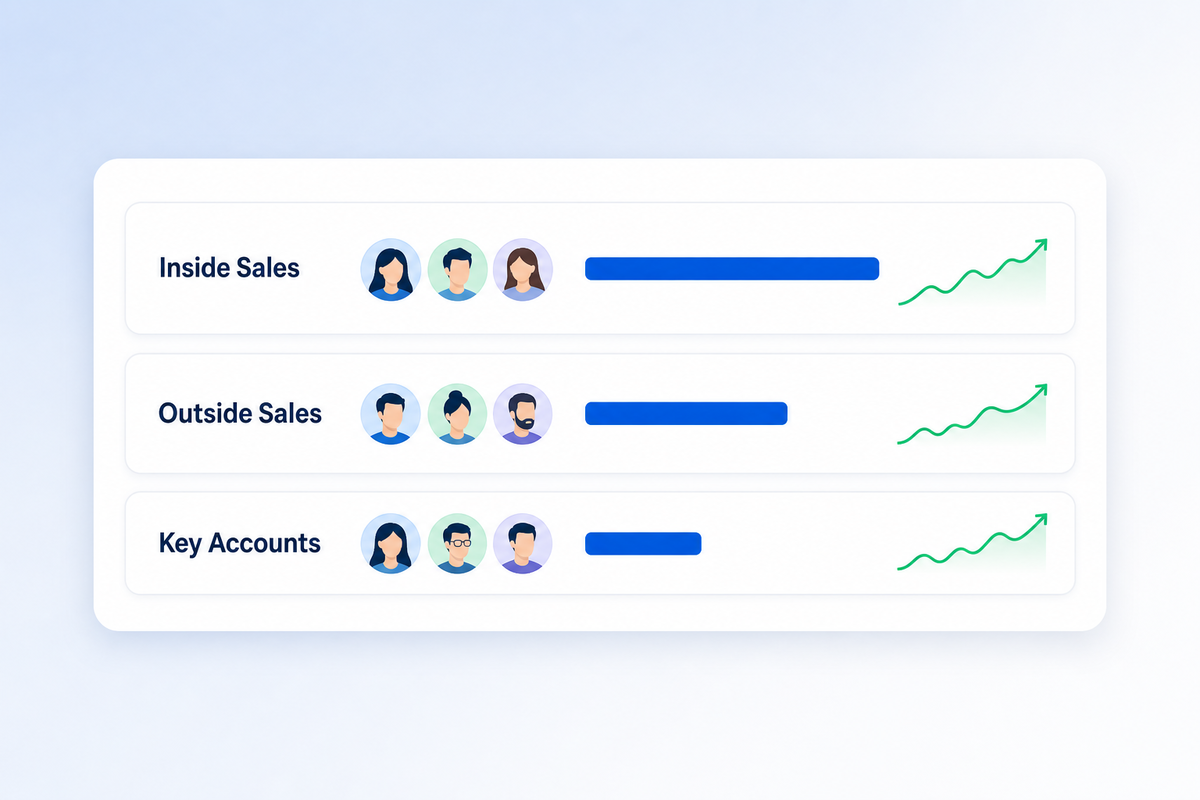
Group your reps into the teams you really run — inside, outside, key accounts, whatever fits — and MPower tracks revenue, commissions and order access by team.
What you get
Your teams, defined by you.
Job titles don't always match how your sales floor is organized. Teams let you draw those lines yourself, then report on them.
Teams you create
Name your teams, give each a color, and put every rep on one. Archive a team when you reorganize — its history stays.
Orders stamped by team
Each order records the team its sales rep was on at the time, so last quarter's numbers don't shift when someone changes teams.
Reporting by team
Sales by team on the manager dashboard, a team performance trend on the financials dashboard, and a Commissions by Team report.
Shared order access
Turn it on for a team and members can view and work each other's orders — so a vacation or a sick day doesn't stall a job.
Commission rules per team
Decide team by team whether it absorbs negative commission, instead of tying pay rules to someone's role.
Filter everything by team
Switch the manager and financials dashboards to one team, or view all teams side by side.
Set up in minutes
Three steps to team reporting.
- Create your teams. Go to Users → Sales Teams and click Add team.
- Choose the settings. Decide whether members share order access and whether the team absorbs negative commission.
- Assign your reps. Open each user and pick their Team. New orders are stamped from then on.
Illustrative figures
FAQ
Sales Teams questions, answered.
Where do I set up teams?
Can a rep belong to more than one team?
What happens to past orders if someone changes teams?
Who can see a teammate's orders?
Can I delete a team?
Ready to run all of promo in one place?
See how MPower replaces your disconnected tools with one platform — from the first lead to the final shipment.
Thanks — you're on the list.
A product specialist will reach out within one business day to schedule your demo.
Download
Never miss a beat. Download our app and work on the go with all the same features as our desktop application.

