Your suppliers already send the updates. Now MPower reads them.
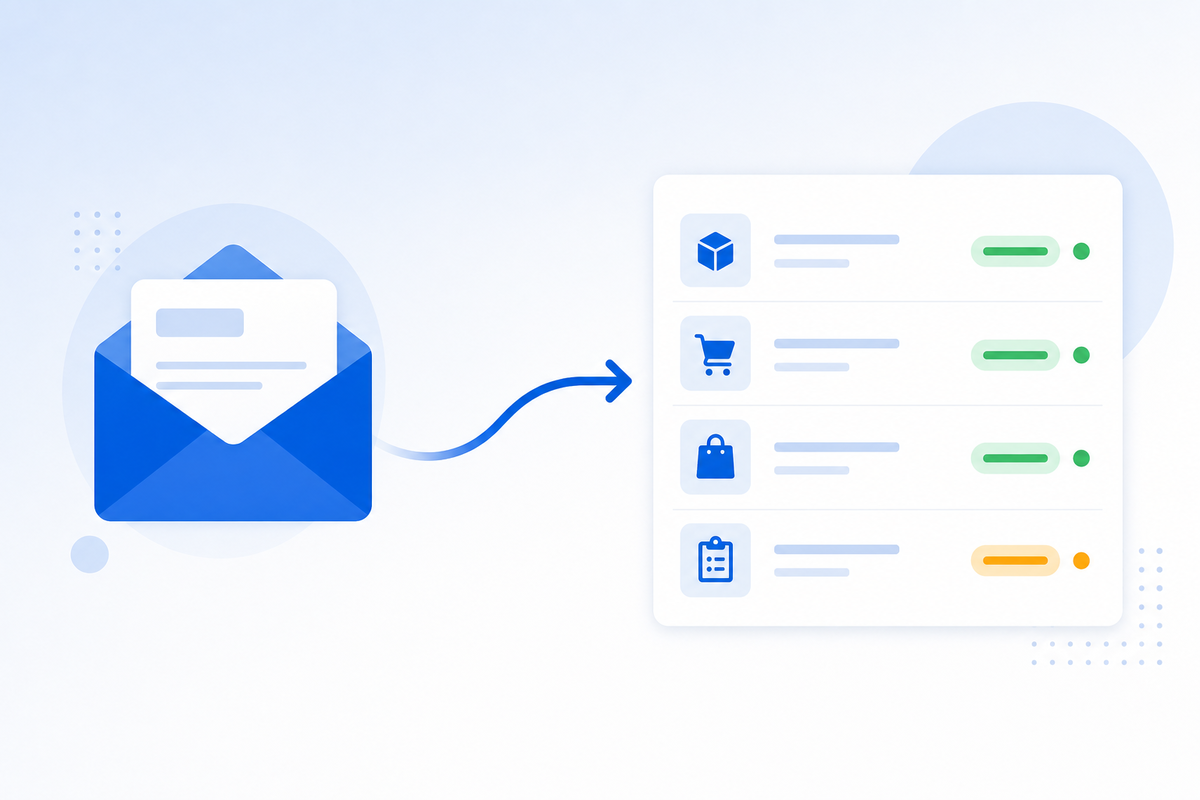
Every order you place starts a small stream of email coming back the other way. A confirmation. A tracking number a few days later. Sometimes a hold, or a request to approve art before they’ll run the job. Eventually an invoice. None of it is hard to deal with — it’s just that somebody has to read each message, work out which order it belongs to, and type it into MPower. Inbound email parsing does that part for you.
The job nobody wrote a job description for
Count the messages behind one decorated order: the confirmation, an art email or two, a tracking notice, an invoice. Five messages, five small acts of transcription. Now multiply that by however many orders you run in a week.
None of it takes judgment. Someone opens the message, recognises it as a confirmation, works out which PO it refers to, opens that PO in MPower and moves it along. Two minutes, give or take. The cost isn’t the two minutes. It’s that this happens dozens of times a week, it can’t really be batched, and the day someone is out sick, orders quietly stop moving.
It’s also where things fall through. A tracking number that never got entered turns into a customer calling to ask where their order is. A supplier hold sitting unread in a shared mailbox turns into a due date that slips before anyone notices.
What happens when the mail arrives
You get a dedicated MPower address and point supplier mail at it. From there, five things happen in order:
- The message is stored. It lands in Orders → Inbox immediately, before anything is interpreted, so there is always a record to go back to.
- It gets classified. Is this a confirmation, a tracking notice, a hold, an art request, an invoice?
- The specifics come out. Referenced order and PO numbers, tracking numbers, the stated hold reason, proof links.
- Those specifics get checked against your real data. An extracted PO number only counts if it matches an actual PO of yours.
- If the match is clear, the update is applied.
Reading the email is the easy part. Step four is the one that matters. An assistant that confidently attaches a tracking number to the wrong order is worse than no automation at all, because you stop trusting any of it.
Five kinds of mail it reads
Order confirmations. The referenced PO moves toward In Production, and the change is written into the order’s audit trail so you can see what moved it and when.
Tracking notices. UPS, FedEx, USPS, DHL and OnTrac numbers get attached to the shipment, and your customer gets their notification — the same one they’d get if you had typed the number in yourself.
Supplier holds. The order and the specific PO move to Supplier Hold, with the supplier’s stated reason captured as a follow-up rather than buried in a thread.
Art approval requests. The PO is held for art, the proof links and summary are pulled out, and the message stays in Review until a person signs off.
Supplier invoices. Attachments are saved and the invoice opens as a row in Accounting → Invoice Reconciliation, where your team matches and approves it the usual way.
Anything it can’t place is still stored, marked unclassified with a reason. Nothing is thrown away for being unreadable.
Confirmations, tracking and holds finish on their own. Art approvals and invoices deliberately stop and wait for a person. That’s not an unfinished feature — approving artwork and approving money are decisions, and decisions stay with you.
What happens when it isn’t sure
The confidence bar sits around 85%. Below it, nothing is applied. The message waits in Review with the reason it stopped — usually low confidence, or an order and PO it couldn’t resolve. You add the missing context and click Apply Workflow to run it again.
In practice the most common reason is a supplier who replies without ever quoting your PO number. The fix for that is upstream, not in the inbox: put your MPower numbering in the PO template you send out. Two minutes of template editing clears out most of the Review pile permanently.
Two addresses, set up once
There are two addresses per distributor, each carrying your 24-character distributor ID:
The +YOUR-ID part is what routes a message to your account. Mail sent without it can’t be placed, so it’s dropped. The prefixes are there to help your team route mail internally — the classifier doesn’t care which address a message arrives at.
The easiest first move is to forward the shared purchasing mailbox you already have into the confirmations address. Nothing changes for your suppliers, and every reply stays in one place. One small thing that helps: attachments parse better than inline text, so an invoice sent as a PDF gets further than the same invoice pasted into the body of an email.
Where it fits
Inbound email parsing sits next to two things you may already be using. Invoice Reconciliation is where parsed supplier invoices land for matching and approval. MPower AI is the same idea applied to the rest of the platform — less time on the mechanics of the job, more on the parts that win business.
The inbox lives under Orders, so it’s available on plans that include the Orders section: All-in-One and All-in-One PRO.
See how inbound email parsing works →
